Week 3: Web browser


 Web browser is a software application that enables a user to display and interact with text, images, and other information typically located on a web page at a website on the World Wide Web or a local area network.


For examples:
  • Microsoft Internet Explorer 
  • Mozilla Firefox, 
  • Apple Safari 
  • Netscape 
  • Opera 


Metasearch Engine


A metasearch engine is a search tool that sends user requests to several other search engines and/or databases and aggregates the results into a single list or displays them according to their source. Metasearch engines operate on the premise that the Web is too large for any one search engine to index it all and that more comprehensive search results can be obtained by combining the results from several search engines. This also may save the user from having to use multiple search engines separately.


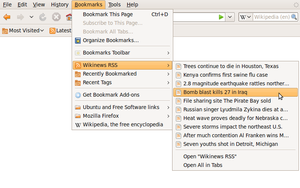
Bookmark (World Wide Web)
In the context of the World Wide Web, a bookmark is a locally stored Uniform Resource Identifier (URI). All modern web browsers include bookmark features. Bookmarks are called favorites or Internet shortcuts in Internet Explorer. Bookmarks are normally accessed through a menu in the user's web browser, and folders are commonly used for organization. In addition to bookmarking methods within most browsers, many external applications offer bookmark management.


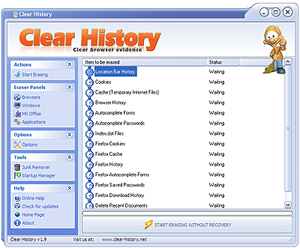
Clear History
Clear History is free and powerfull windows desktop application to clean search history from your computer. It is full featured program that greatly surpasses most commercial programs out there.


Clear cache (video)
Cache files are nothing but regular files from web pages you visited, pictures, videos etc. Those files are used by browser instead of downloading again so your pages load faster. But, cache files are an evidence of where you have been and what you were doing on internet. So if you don't want your internet habits to be discovered you should clear cache on regular basis. To clear cache in your web browser is very straightforward - follow the instructions bellow.

To clear cache from your computer do the following:
     In Firefox:

  • Go to the Tools menu
  • Select Clear Private Data
  • Make sure Cache is checked. Uncheck others as you wish.
  • Click on Clear Private Data Now and your cache is cleared.

Clear URL History
If you don't clear URL history files, your web browser automatically keeps a detailed record of all web sites you've visited usually for more than forty days. The history feature enables you to have a more exact internet surfing experience. However if you want to eliminate only specific private searches from your URL history because there are other users of your PC who would like their URLs logged, you can selectively clear URL history files.


Multitasking


The ability to execute more than one task at the same time, a task being a program.
In multitasking, only one CPU is involved, but it switches from one program to another so quickly that it gives the appearance of executing all of the programs at the same time.


Plug-in


In computing, a plug-in (or plugin) is a set of software components that adds specific abilities to a larger software application. If supported, plug-ins enable customizing the functionality of an application. For example, plug-ins are commonly used in web browsers to play video, scan for viruses, and display new file types. Well-known plug-ins examples include Adobe Flash Player, QuickTime, and Microsoft Silverlight.

Week 2: Introduction To Telecommunication


What is communication
According to the dictionary, communication is defined as “…a process by which information is exchanged between individuals through a common system of symbols, signs, or behavior…” But... for the subject of telecommunication & networking, communication is simply the imparting, conveying or exchange of thoughts, messages, ideas, knowledge or information by sign and sound like speech, signals, writing, or behavior. Although this is a simple definition, when we think about how we may communicate the subject becomes a lot more complex. There are various categories of communication and more than one may occur at any time. For examples: 
1)verbal Communication: face-to-face, telephone, radio or television or other media.
2)non-Verbal Communication: body language, gestures, how we dress or act - even our scent.

Diagram 1.1: The communication process


What is telecommunication
Telecommunication refers to communication over long distances, covers all forms of distance and conversion of the original communication, including radio, telegraphy, television, telephony, data communication and computer networking. It also can be define as process of transmitting or receiving information over a distance by any electrical or electromagnetic medium. The information may take the form of voice, video, or data.


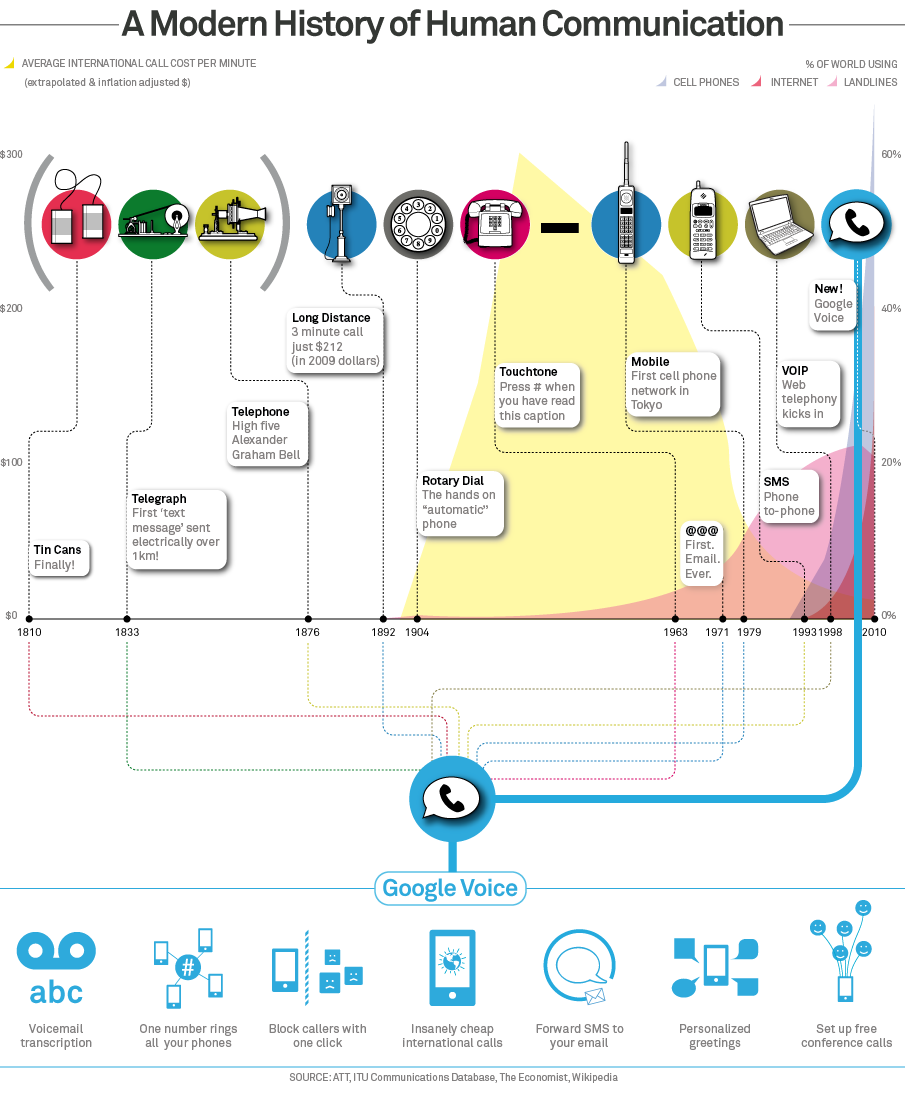
Communications Technology Timeline:


....Come and take a look ....


Elements of a Computer and Communication System
Hardware
Hardware is the most obvious part of a computer-based information system. Hardware refers to the computers themselves, along with any and all peripherals, including servers, routers, monitors, printers and storage devices.


Software
Without software, the hardware wouldn't be very useful. Software is what tells the hardware how to function. It gathers, organizes and manipulates data and carries out instructions. Everything you do using a computer is done by the software.


Data
Data, or information is the information part of an information system, and whether that is statistical data, sets of instructions, lists of names or even graphics and animations


Procedures
It is commonly said that "procedures are to people what software is to hardware." Procedures are the rules, descriptions and instructions for how things are done. In computer-based information systems, procedures are frequently covered in instruction or user manuals that describe how to use the hardware, software and data.


People
People are the most often overlooked and most important part of a computer-based information system. It is people who design and operate the software, input the data, build the hardware and keep it running.


Communication
The components that allow one computer to communicate with another are hardware and are controlled by software. If communication between people is included in this element, though, it is an important element.


you can also refer this website:
http://ocw.utm.my/file.php/20/Introduction.pdf

Week 1: Introduction to the course


  • This course will expose the students to the technologies and devices for computer networking and internet access and applications. 
  • It will cover fundamentals of data communication, telecommunication facilities and network topology. 
  • Students will be introduced to the Internet technology and its applications, and also social and ethical issues related to web resources. 
  • At the end of the course students should be able to demonstrate their understandings by using Internet applications for teaching and learning, able to evaluate web resources, awareness of ethical, social and legal issues related to web resources. 
  • Students also should be able to use various internet applications for teaching and learning.


About this course : Learning Outcomes


About this course : Assessment


music